Pre-Match sheet
Filters
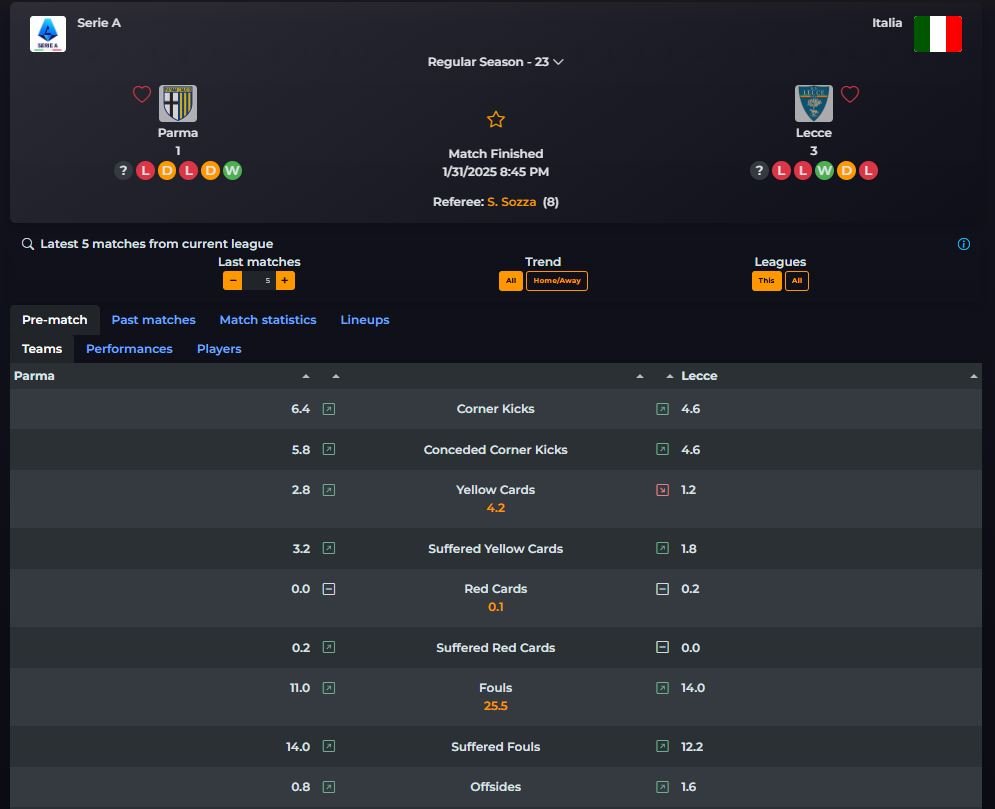
Wiki Tipster consente di personalizzare l’analisi dell’incontro attraverso l’utilizzo di filtri che ti permetteranno di capire realmente l’andamento delle squadre. N° partite, trend e competizione sono i filtri disponibili. N° partite identify the number of matches related to the visible stats; Trend da la possibilità di scegliere se visualizzare i dati nel loro totale o analizzare in dettaglio come la squadra 1 si comporta in casa e come la squadra 2 si comporta in trasferta; Competizione, invece, permette di scegliere se lasciare la vista dei dei dati solo sulla competizione corrente o includere tutte le competizioni alle quali le due squadre partecipano (Campionato ed eventuali coppe nazionali e coppe europee). Di default By default the filters will always show the competition's matches without any distinction about home/away.
Squadre & Arbitro
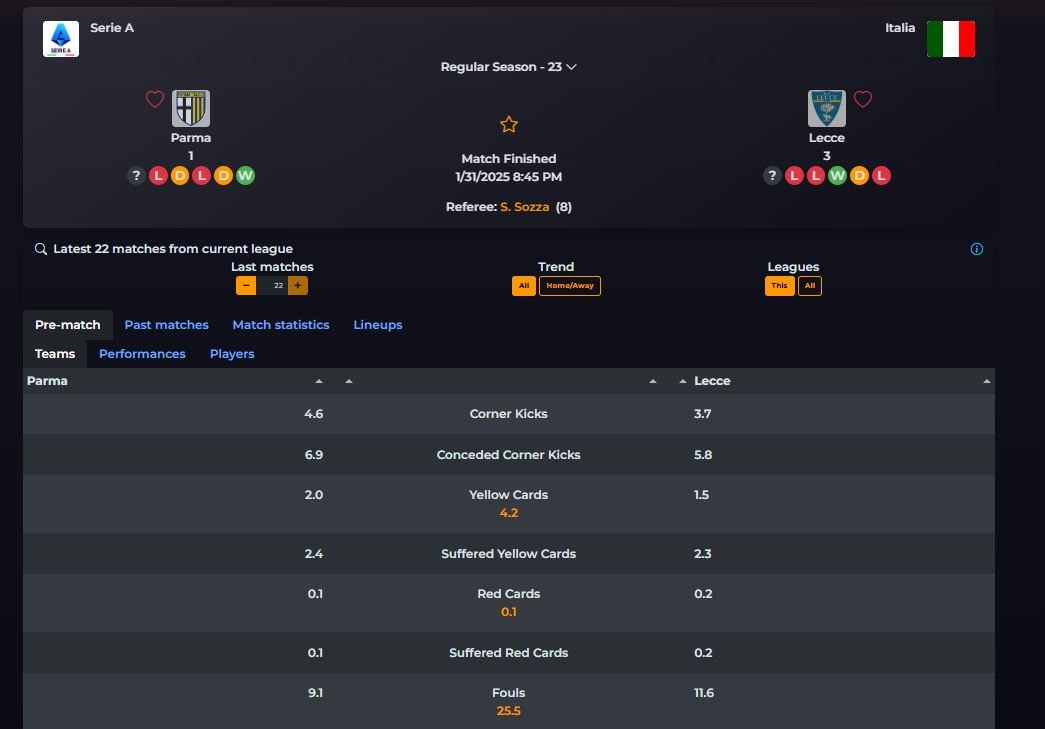
Il tab Teams mostra tutte le statistiche dell’incontro in ottica comparativa, mettendo a confronto il dato attivo dell’una con il dato passivo dell’altra. Ad esempio avremo Falli fatti e subiti dal Parma comparati con Falli fatti e subiti dal Lecce, Tiri fatti e concessi dal Parma comparati con quelli fatti e concessi dal Lecce. Con la stessa logica saranno visibili i corner, i cartellini, i fuorigioco, i goal … e tantissime altre.
Referee
Nel tab Teams, in arancione, saranno visibili anche le statistiche medie del direttore di gara. Questo permette di poter avere un’analisi ancora più approfondita sui falli e i cartellini potenziali del match.
Performances
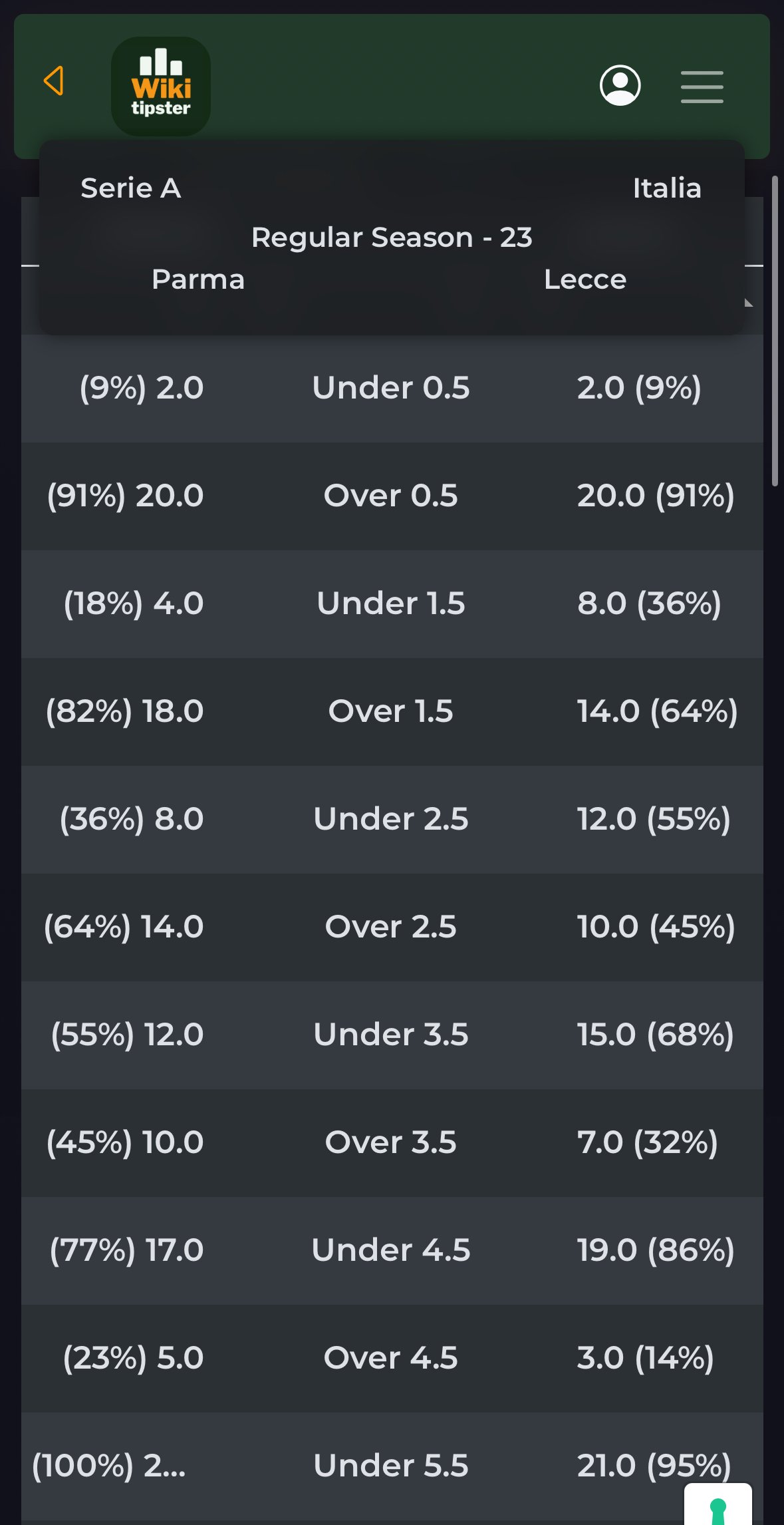
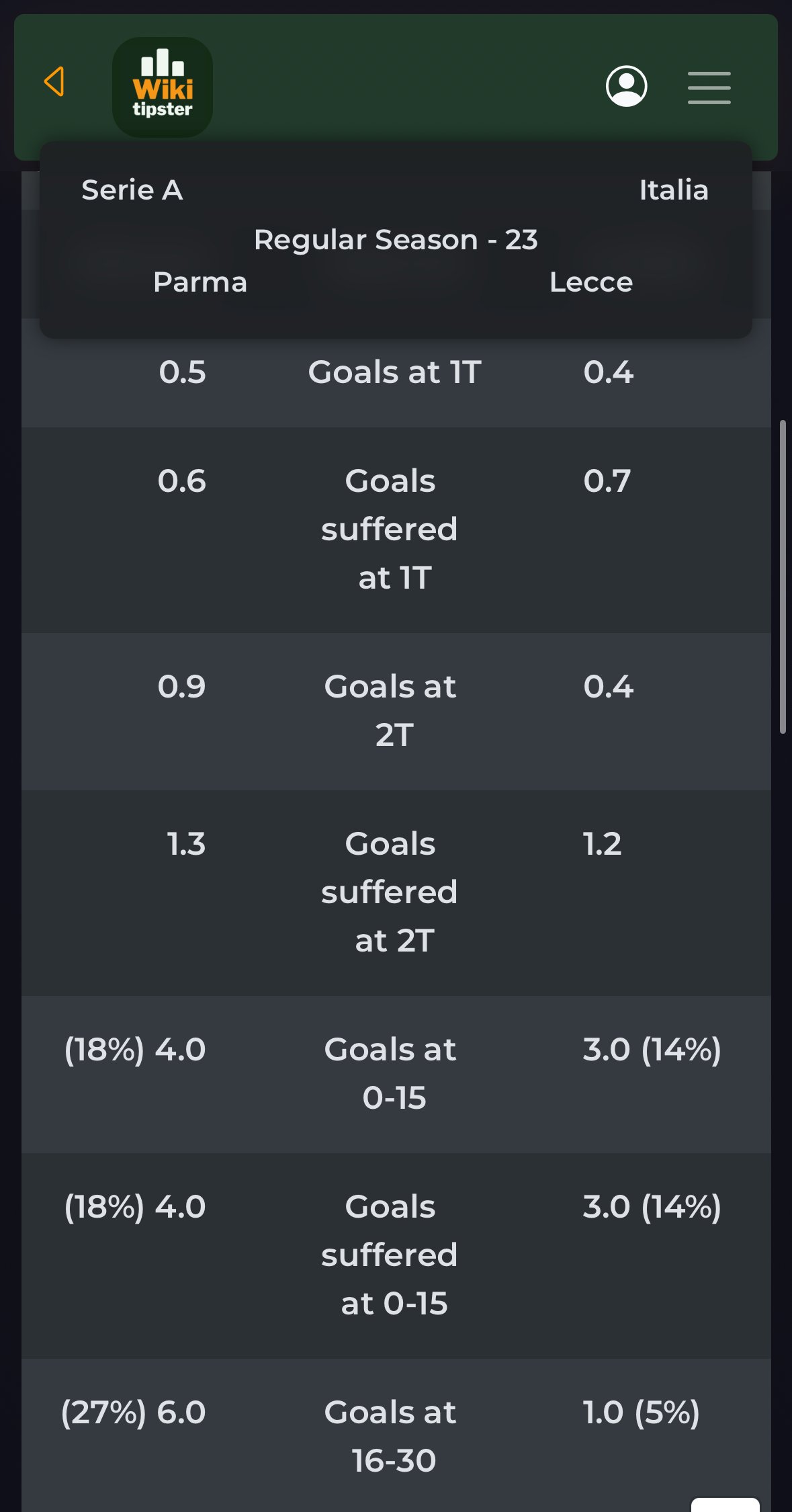
Il tab Performances, utilizzando sempre la logica della comparazione, mostra l’andamento delle squadre rispetto agli under/over, goal segnati e subiti nei due tempi, goal segnati e subiti durante i 90 minuti di gioco, sviluppo della gara partendo da situazioni di vantaggio o svantaggio ed infine la % di gare (rispetto a quelle selezionate nel filtro) in cui le due squadre in gioco hanno sia segnato che subito goal.
Players
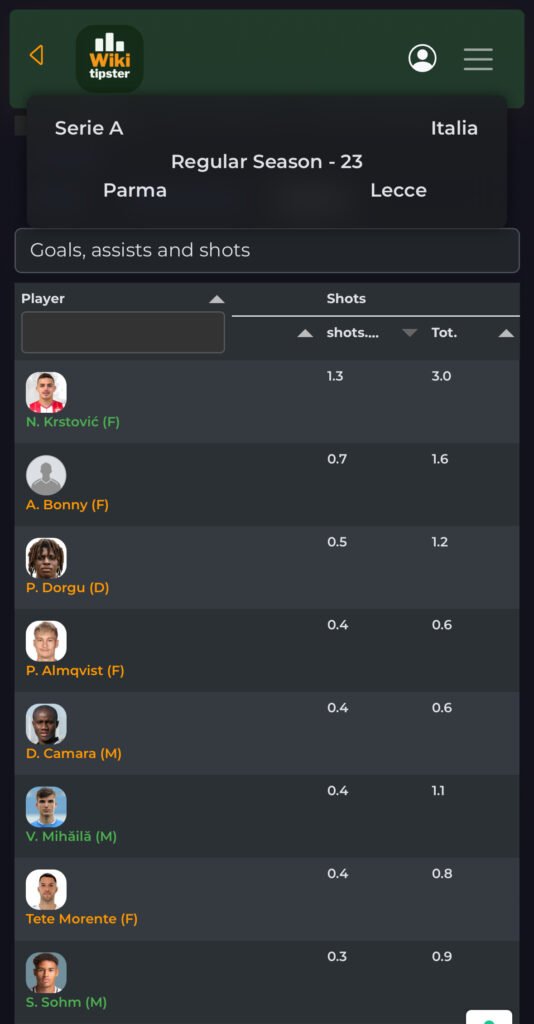
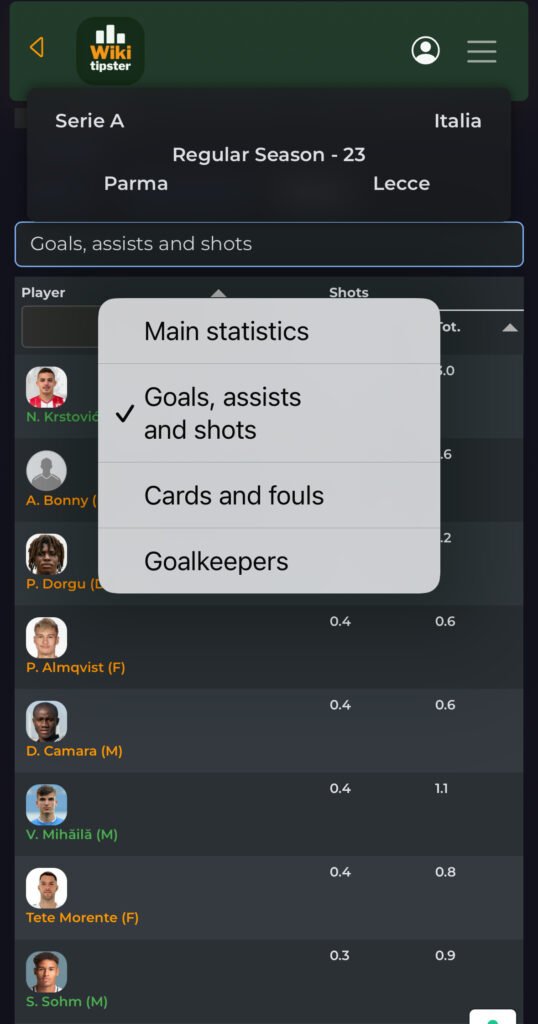
Nel tab Player saranno visibili tutte le statistiche di ogni singolo giocatore, ragruppate per area, selezionabili attraverso il menu a tendina. Wiki tipster ti mostra il numero medio di falli fatti e subiti, numero medio di tiri totali e tiri in porta, media parate, media goal per ogni tempo di ogni singolo giocatori. Inoltre al momento dell’ufficialità delle formazioni i giocatori titolari si coloreranno di verde, i panchinari di arancioni e i non convocati verranno esclusi dalla lista visibile sulla app. Questo faciliterà la tua analisi mostrandoti solo i giocatori per i quali vale la pena valutare le opportunità!
Past Matches sheet
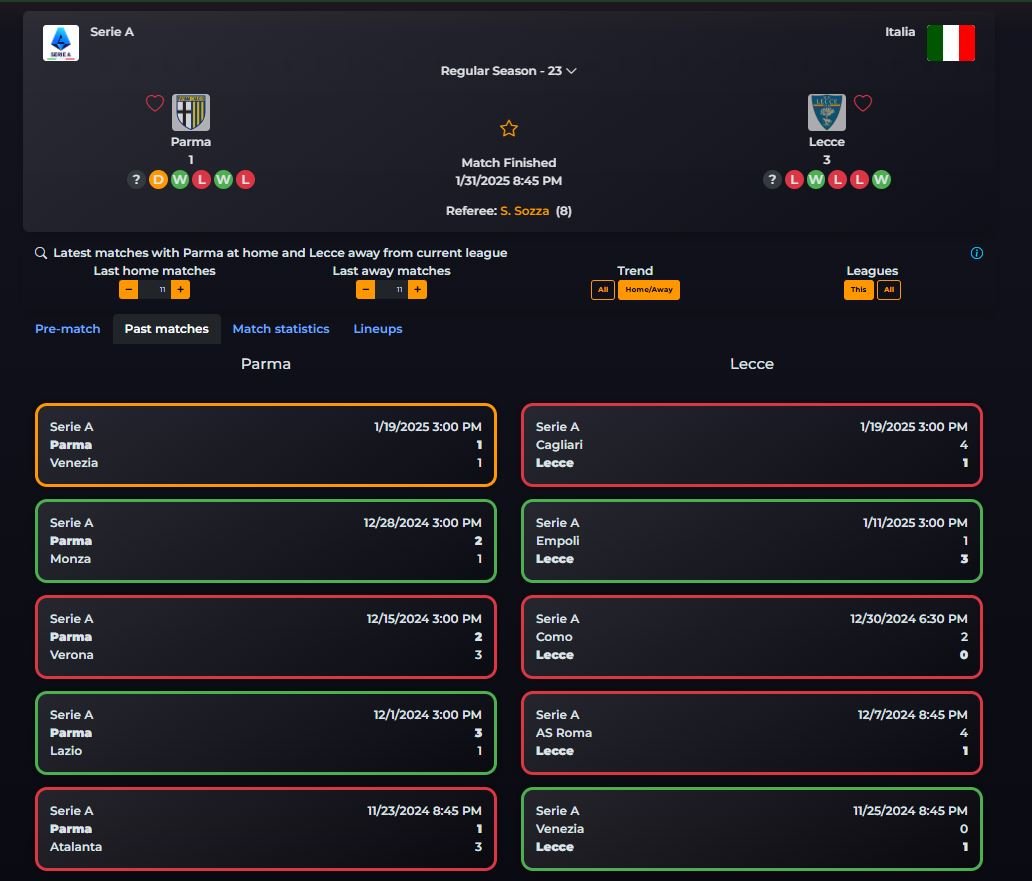
La scheda Past Mathces ti darà possiblità di dare un’occhiata ai risultati delle gare precedenti. Inoltre cliccando su uno qualsiasi degli incontri precedenti sarà possibile visionare le statistiche di quell’incontro. Se presenti, saranno visibili anche i precedenti tra le due squadre.
Lineups and Match Statistics sheets
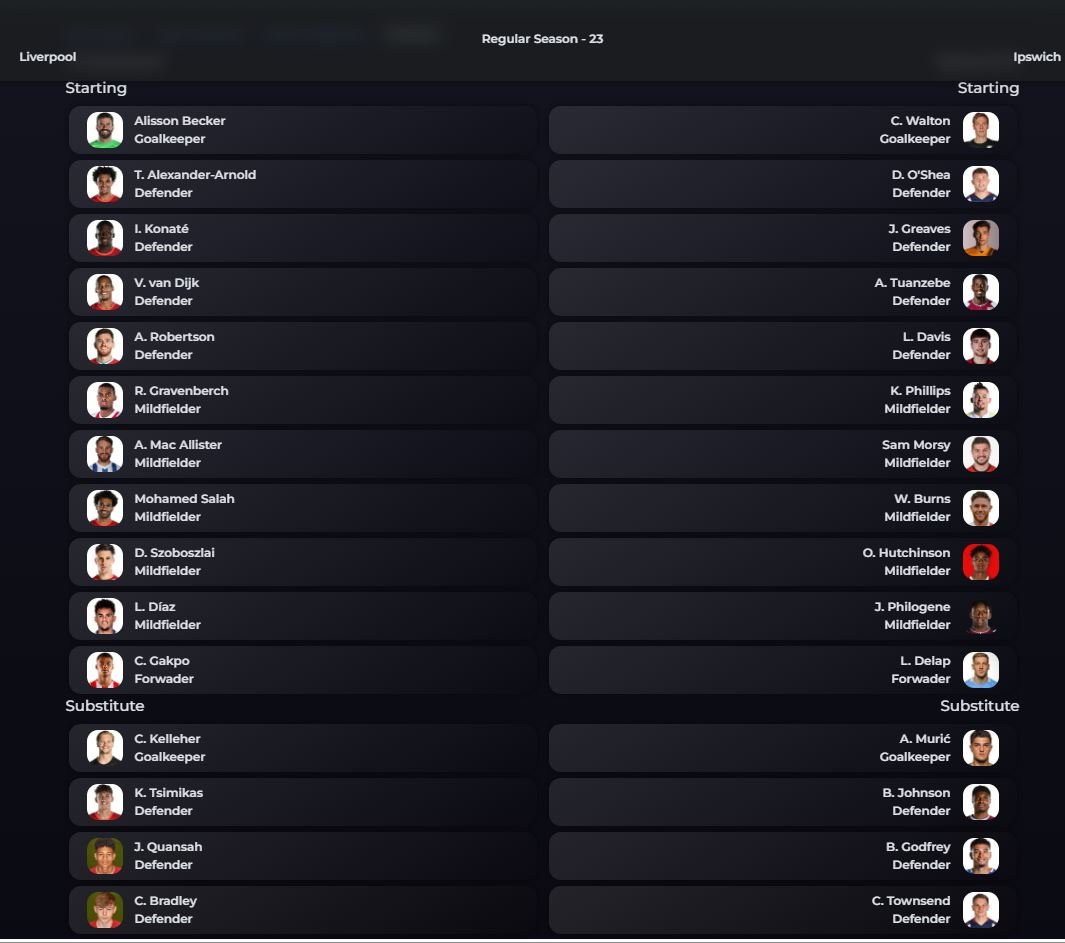
Una volta rese ufficiali le formazioni delle due squadre, apparirà la scheda Formazioni. Lì saranno visibili gli 11 titolari e i giocatori schieati in panchina.
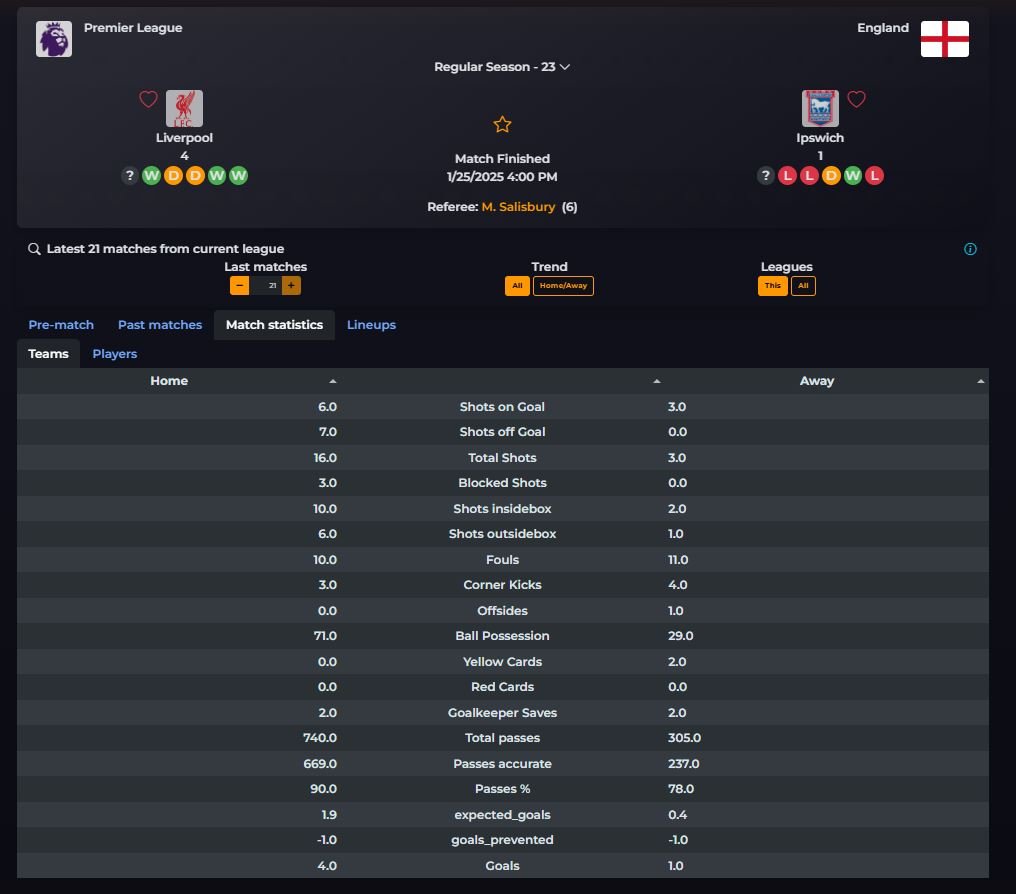
At the end of each game, the stats of that match will appear in the Statistics Match sheet.